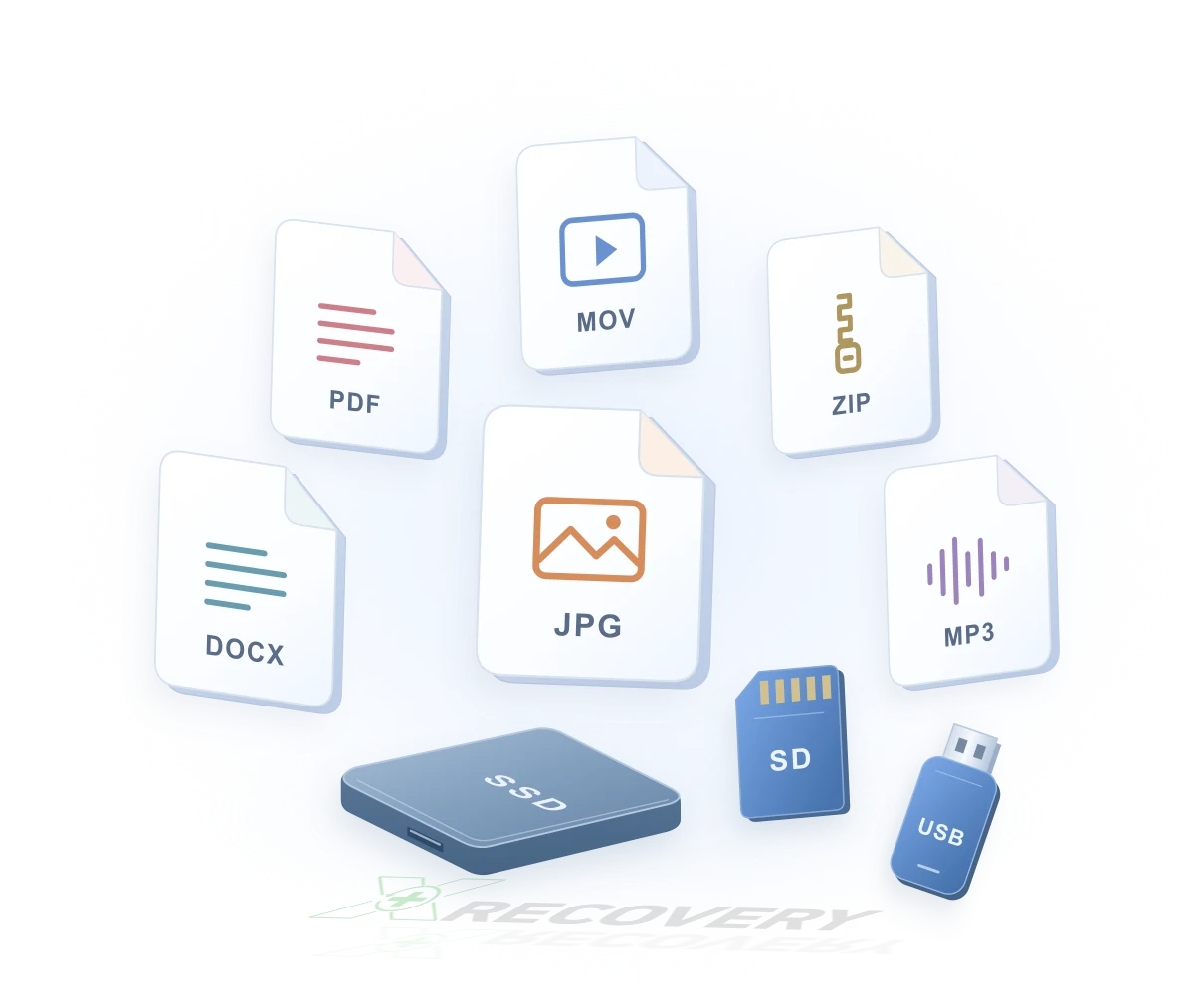
We Make Recovery Simple, Transparent, and Trustworthy
____Full features unlocked in the free version no limits
____Recover up to 2GB for free, with full preview before payment
____What you see is what you get – no tricks, no hidden fees
____Up to 99.8% recovery success rate – trusted, professional results
Application Areas

Photo Recovery
Recover lost or deleted photos from Windows PCs with high success rates. XRecovery supports recovery from SD cards, DSLR cameras, GoPro devices, microSD cards, USB drives, and other storage media—ideal for accidental deletion, formatting, or corrupted photo files.

Video Recovery
Restore deleted or inaccessible videos from Windows systems quickly and safely. XRecovery works with SD cards, camcorders, action cameras, drones, and other video‑recording devices, ensuring reliable recovery even after formatting or file system errors.

Hard Drive Recovery
Recover lost, deleted, or corrupted data from internal and external hard drives on Windows computers. XRecovery handles formatted drives, system crashes, RAW partitions, and accidental deletion, helping you retrieve documents, photos, videos, and more with professional‑grade precision.

Business Data Recovery
Recover critical business files from Windows‑based workstations and laptops with enterprise‑grade reliability. XRecovery restores documents, spreadsheets, project files, and operational data lost due to accidental deletion, system failures, or employee errors—minimizing downtime and protecting business continuity.

Server & RAID Recovery
Restore data from enterprise storage environments, including RAID arrays, NAS devices, and multi‑disk servers. XRecovery supports recovery from RAID corruption, disk failures, controller issues, and unexpected shutdowns, helping IT teams quickly regain access to essential business data.

External Device & Workstation Recovery
Recover data from external drives, encrypted business devices, and professional‑grade storage media used in corporate environments. XRecovery handles formatted drives, partition loss, and corrupted file systems, ensuring secure and compliant recovery for enterprise workflows.
WHY CHOOSE XRecovery?
XRecovery is a data recovery software specifically developed for the Windows platform, dedicated to helping users retrieve lost or accidentally deleted data from various storage devices. Whether it’s hard drives, USB drives, memory cards, or mobile devices—as long as they are recognized by the Windows system—XRecovery provides efficient data recovery support

XRecovery Professional Repair
XRecovery makes data recovery simple, fast, and accessible—no technical expertise required. Below, explore the types of files you can recover and the devices it supports.
- Step 1: Smart scan detects lost files
- Step 2: Preview before recovery
- Step 3: Restore with one click

Proven Performance
99.8% success rate across 10M+ files

Certified Privacy
ISO 27001 certified. Local-only recovery

Intelligent File Mapping
Reconstruct fragmented files with AI precision
Let the Data Speak for Itself
XRecovery makes data recovery simple, fast, and accessible—no technical expertise required. Below, explore the types of files you can recover and the devices it supports.
R&D Engineers
Partners
Awards
Files Restored
Recovery Success
See Different
| Recuva | XRecovery | Why It Matters | |
|---|---|---|---|
| Platform Support | Windows only | Runs on Windows, supports Linux/macOS file systems | Works with more file systems, saving activation costs for cross-platform users |
| Interface & Usability | Basic and minimal | Modern UI with 3-step recovery process | Easy to use for everyone, no tech skills required |
| Pricing Model | Free + $24.95 | Free + $29.99 | Monthly pricing is more flexible for short-term recovery needs |
| Scan Options | Quick scan only | Quick, Deep, and Smart scan modes | Recovers even long-deleted or fragmented files |
| File Type Support | Common docs and images | 20,000+ formats including video, archives, RAW images | Covers everything from Word docs to GoPro footage |
| Device Compatibility | Hard drives, USB drives | Hard drives, USB, SD cards, cameras, external drives | Supports more devices for broader recovery scenarios |
| Preview Before Payment | Limited preview | Full preview with no data loss, plus recovery quality rating | Know exactly what you’re paying for—no guesswork |
| Recovery Success Rate | Around 60% | Up to 95% (internal testing) | Higher success rate means better chances of getting your data back |
| Customer Support | Basic FAQ | 7×12 live chat with step-by-step guidance | Real-time help when you need it most |
| Privacy & Security | Local recovery only | Local recovery with encryption | No uploads, full privacy, and secure handling of your data |
| Offline Activation | Not supported | Supported | Works even without internet—perfect for emergencies |
| Update Frequency | Rarely updated since 2016 Free Download | Actively maintained and improved every year | Regular updates ensure better performance and compatibility |
| Disk Drill | XRecovery | Why It Matters | |
|---|---|---|---|
| Platform Support | Windows & macOS | Runs on Windows, supports Linux/macOS file systems | Broader file system support, ideal for cross-platform users |
| Interface & Usability | Modern UI, feature-rich but complex | Modern UI with a 3-step recovery process | Simpler workflow, easier for non-technical users |
| Pricing Model | Free with limited features+$89 | Free + $29.99 | Monthly pricing is more flexible and cost-effective for short-term needs |
| Scan Options | Quick and Deep scan | Quick, Deep, and Smart scan | Smart scan skips invalid data, improving efficiency |
| File Type Support | Common formats; some require Pro version | 20,000+ formats including video, archives, RAW, etc. | Full format support after activation, no hidden limits |
| Device Compatibility | HDD, USB, SD cards, some mobile devices | HDD, USB, SD cards, cameras, external drives | Broader device support for more recovery scenarios |
| Preview Before Payment | Partial preview; full features require Pro | Full preview with no data loss and quality rating | Evaluate recovery results before paying—no surprises |
| Recovery Success Rate | Not officially disclosed; moderate user feedback | Up to 95% (internal testing) | Higher success rate means better chances of full recovery |
| Customer Support | Knowledge base and email support | 7×12 live chat with step-by-step guidance | Real-time assistance for faster issue resolution |
| Privacy & Security | Local recovery; some versions offer protection tools | Local recovery with encryption and offline mode | No uploads, encrypted handling, and offline activation supported |
| Offline Activation | Not supported | Supported | Works without internet—reliable in critical situations |
| Free Recovery Limit | Up to 500MB Free Download | Up to 2GB | More generous free limit for first-time users |
| Recoverit | XRecovery | Why It Matters | |
|---|---|---|---|
| Developer Location | Shenzhen · Wondershare | Hong Kong · Independent Team | Hong Kong-based, with stronger privacy compliance and international trust |
| Platform Support | Windows & macOS | Runs on Windows, supports Linux/macOS file systems | Broader file system support, ideal for cross-platform users |
| Interface & Usability | Visually polished, but multi-step process | Modern UI with a 3-step recovery flow | Simpler and faster recovery, less friction for users |
| Pricing Model | Starts at ~$59.95, tiered features | $29.99 | Flexible monthly pricing, no long-term commitment |
| Scan Options | Quick + Deep scan | Quick, Deep, and Smart scan | Smart scan skips invalid data, improving speed and accuracy |
| File Type Support | Common formats + some pro types | 20,000+ formats including video, archives, RAW, etc. | Full access to all formats after activation—no hidden limits |
| Device Compatibility | HDD, USB, SD cards, cameras | HDD, USB, SD cards, cameras, external drives | Broader compatibility, including more edge cases |
| Preview Before Payment | Partial preview; some features locked | Full preview with no data loss and quality rating | Know what you’ll recover before paying—no surprises |
| Recovery Success Rate | Marketed as high, but user feedback varies | Up to 99% (internal testing) | Higher success rate means better chances of full recovery |
| Customer Support | Online chat + ticket system | 7×12 live chat with step-by-step guidance | Faster, more responsive support when you need it |
| Privacy & Security | Local recovery + optional cloud backup | Local recovery with encryption and offline mode | No cloud dependency, better for sensitive data |
| Offline Activation | Not supported | Supported | Works without internet—ideal for emergencies |
| Free Recovery Limit | No clear free limit; trial is restricted Free Download | Up to 2GB | More generous free tier for first-time users |
| EaseUS Data Recovery Wizard | XRecovery | Why It Matters | |
|---|---|---|---|
| Developer Location | Chengdu · EaseUS | Hong Kong · Independent Team | Hong Kong-based, with stronger privacy compliance and international trust |
| Platform Support | Windows & macOS | Runs on Windows, supports Linux/macOS file systems | Broader file system support, ideal for cross-platform users |
| Interface & Usability | Feature-rich but dated UI; multi-step process | Modern UI with a 3-step recovery flow | Faster, simpler recovery with a smoother user experience |
| Pricing Model | Starts at ~$69.95, tiered features | $29.99 | Flexible monthly pricing avoids high upfront costs—great for short-term needs |
| Scan Options | Quick + Deep scan | Quick, Deep, and Smart scan | Smart scan skips invalid data, improving speed and accuracy |
| File Type Support | Common formats + some pro types | 20,000+ formats including video, archives, RAW, etc. | Full access to all formats after activation—no hidden limits |
| Device Compatibility | HDD, USB, SD cards, some mobile devices | HDD, USB, SD cards, cameras, external drives | Broader compatibility, including more edge cases |
| Preview Before Payment | Partial preview; some features locked | Full preview with no data loss and quality rating | Know what you’ll recover before paying—no surprises |
| Recovery Success Rate | Marketed as high; user feedback varies | Up to 99% (internal testing) | Higher success rate means better chances of full recovery |
| Customer Support | Online chat + ticket system | 7×12 live chat with step-by-step guidance | Faster, more responsive support when you need it |
| Privacy & Security | Local recovery + optional cloud sync | Local recovery with encryption and offline mode | No cloud dependency, better for sensitive data |
| Offline Activation | Not supported | Supported | Works without internet—ideal for emergencies |
| Free Recovery Limit | Up to 2GB (with registration) Free Download | Up to 2GB | Same free limit, but XRecovery offers full preview and transparent experience |
Why Users Trust XRecovery
News, Updates and Insights

What Is Data Recovery?
As global digitalization accelerates, data has become one of the most valuable assets for every individual.

Hard Disk Drive
A Hard Disk Drive (HDD) is a non-volatile external storage device based on magnetic storage principles and mechanical rotation.

Solid State Drive
A Solid State Drive (SSD) is a non-mechanical, non-volatile storage device that uses flash memory to store data.